Docker images: 393 s → 127 s
Each slot keeps its own Docker daemon between jobs, so layers and services images are already there. On the benchmark below, image builds and smoke test took 127 s against 393 s on GitHub-hosted runners.
Each job gets a fresh runner on your own Docker host. Docker layers, package caches and toolchains stay on disk, so a private monorepo's CI went from ~6 min 30 on GitHub-hosted runners to ~3 min. One binary, a web UI, no Kubernetes.

On a Linux host with systemd (Docker is installed if missing):
curl -fsSL https://github.com/TuroYT/pitlane/releases/latest/download/install.sh | sudo shOpen the printed URL, enter the setup token (pitlane setup-token), click Create GitHub App, install it, enable a repository, and use the label:
jobs:
  build:
    runs-on: pitlane
Docker Compose and Proxmox installs are in Getting started.
Measured on a real-world private monorepo CI (pnpm workspace, Nuxt + Prisma, Postgres/Redis service containers, three Docker image builds), all jobs running in parallel, warm caches. Pitlane ran in an unprivileged Proxmox LXC container with 12 vCPU and a modest RAID disk.
GitHub-hosted (ubuntu-latest) | Pitlane | |
|---|---|---|
| Whole CI (longest job) | ~6 min 30 | ~3 min |
| Job pickup | queue + VM boot | 6 s |
| Docker images & smoke test | 393 s | 127 s (3.1×) |
Dependency install (setup step) | 30–40 s | 21–26 s |
| Prisma migrations | 77 s | 59 s |
| Lint & format | 40 s | 38 s |
| Unit tests | 161 s | 159 s |
CPU-bound steps depend on your hardware: a job on a saturated host is not faster than on a 4-vCPU GitHub runner. The dashboard compares, for each of your jobs, the median duration on Pitlane with the same job on GitHub-hosted runners.
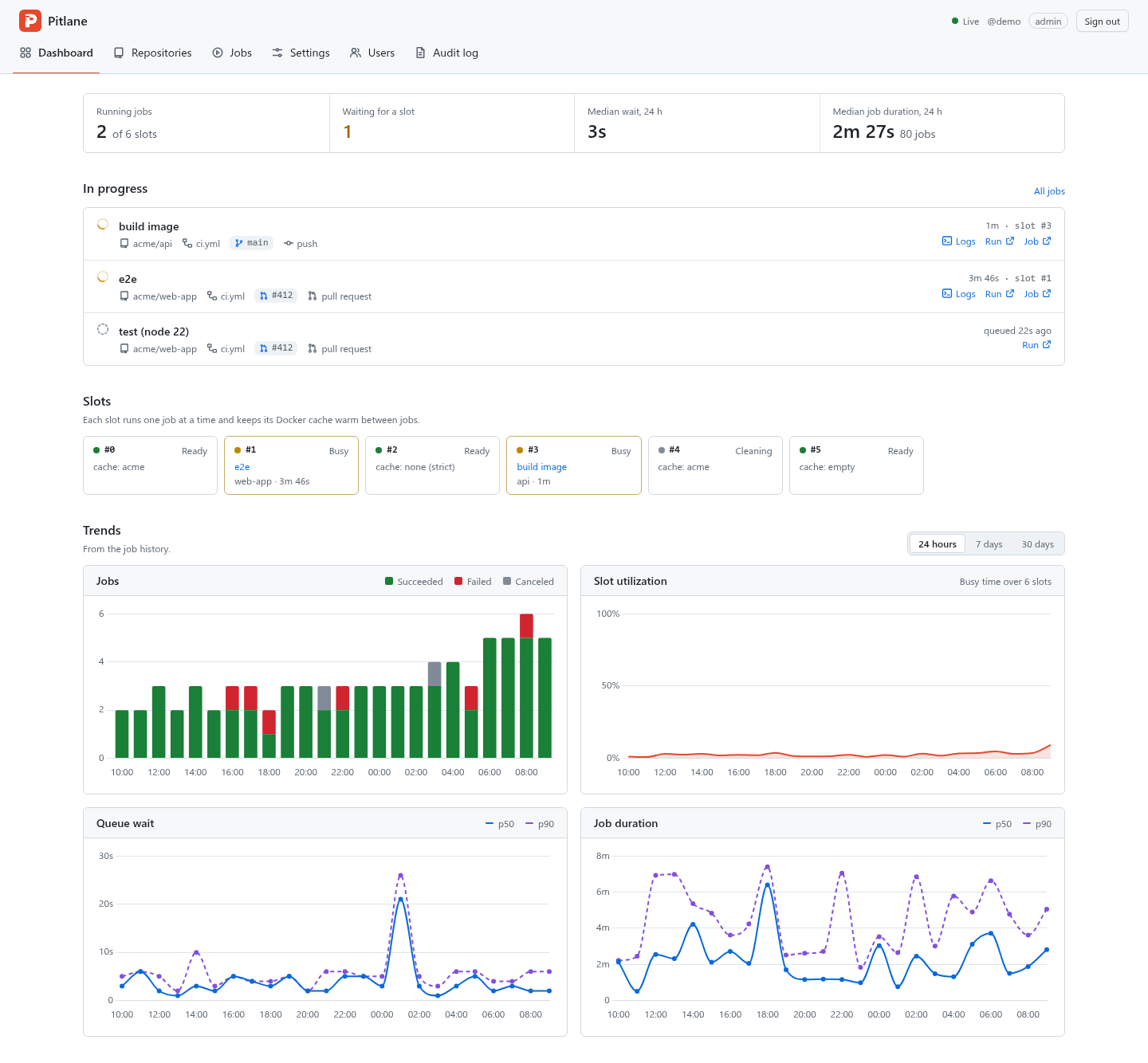
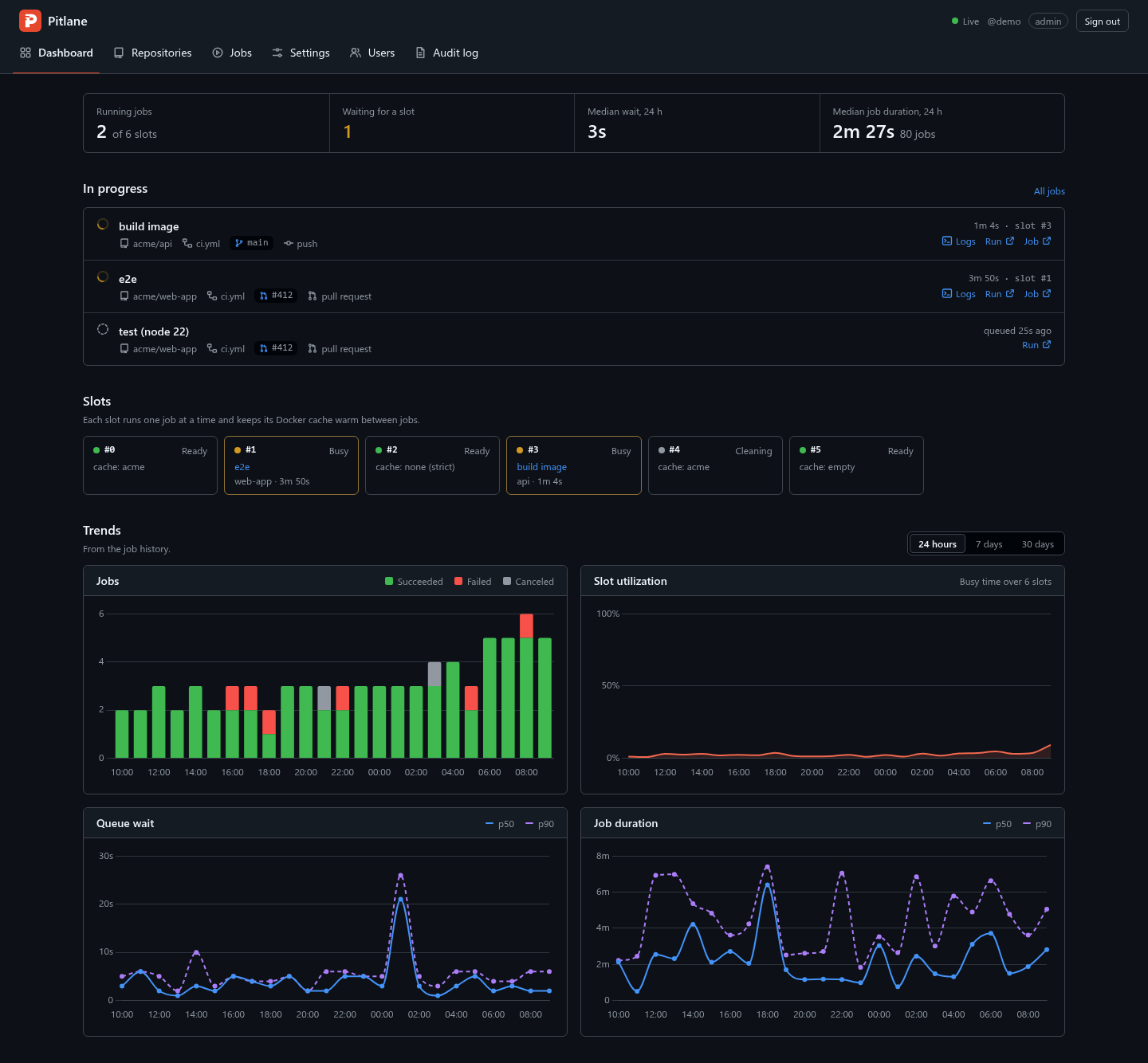
Screenshot with demo data.
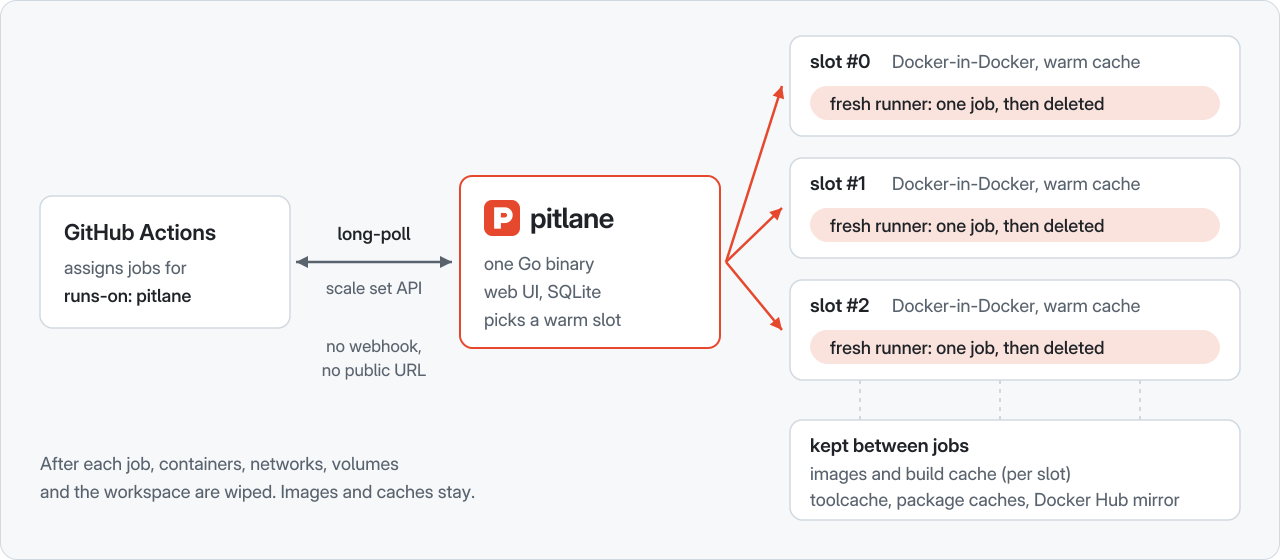
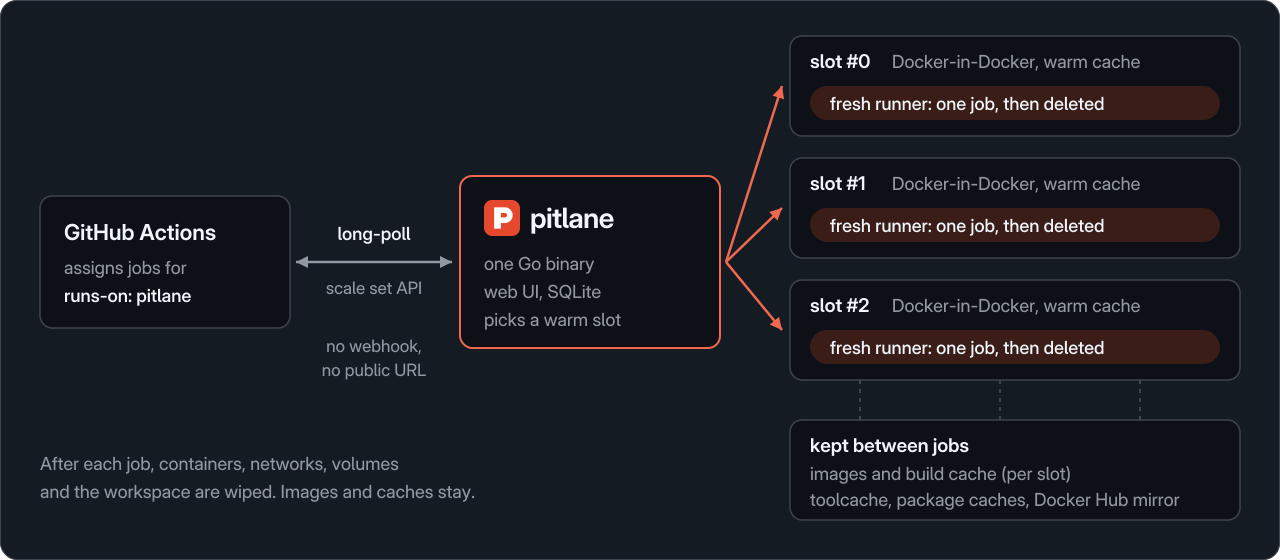
A slot is a long-lived Docker-in-Docker daemon. When GitHub assigns a job to your pitlane label, Pitlane picks a free slot (preferring one that already ran this repository, so its cache is hottest), starts a fresh runner container in the slot's network namespace, and lets it run exactly one job. Afterwards, the job's containers, networks, volumes and workspace are wiped, while images and build cache stay. Read more in How it works.
Pitlane is young, and has limits worth knowing before you install it:
Why Pitlane compares it with actions-runner-controller, runscaler, GARM, terraform-aws-github-runner and hosted runners. Issues and pull requests are welcome.